
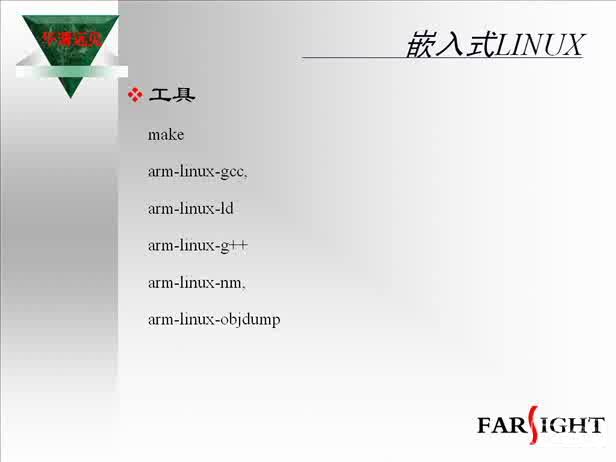
安裝配置arm-linux-gcc
 加入技術交流群
然后是注冊環境
一般是修改profile
1:對于ubuntu中profile是調用/etc/bash.bashrc來運行的
在/etc/bash.bashrc后加上
if [ -d /usr/local/arm ] ; then
PATH=/usr/local/arm/2.95.3/bin:"${PATH}"
fi
2:在Federal下可以vi /etc/profile;在出現pathmunge 的語句段后添加pathmunge /usr/local/arm/2.1.3(版本號)/bin;
然后source /etc/profile更新一下就可以用arm-linux-gcc進行編譯了
測試 :
# arm-linux-gcc -v
工具已經安裝成功了就會出現相應的版本號!
否則會提示
bash: arm-linux-gcc: command not found








評論